

Shop

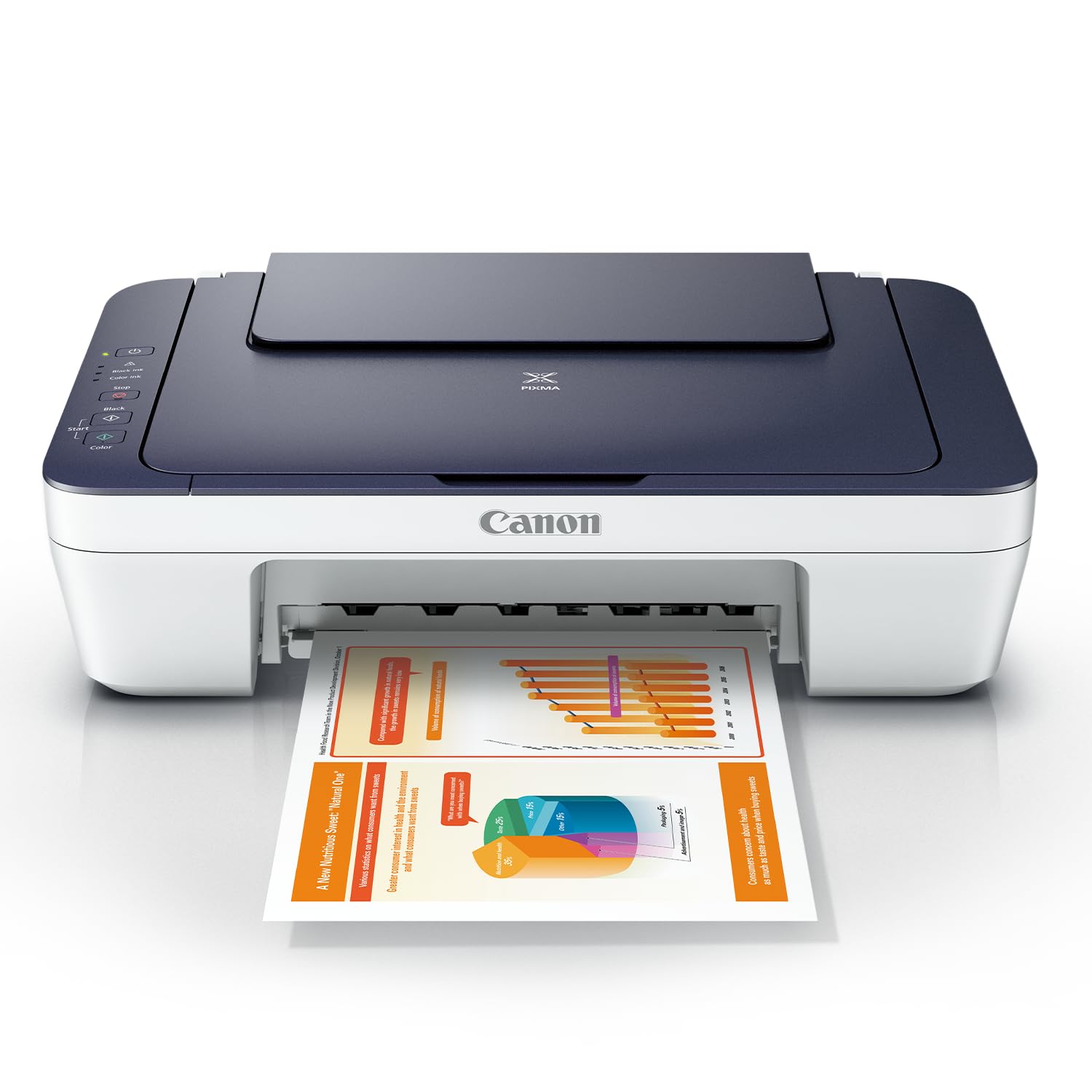
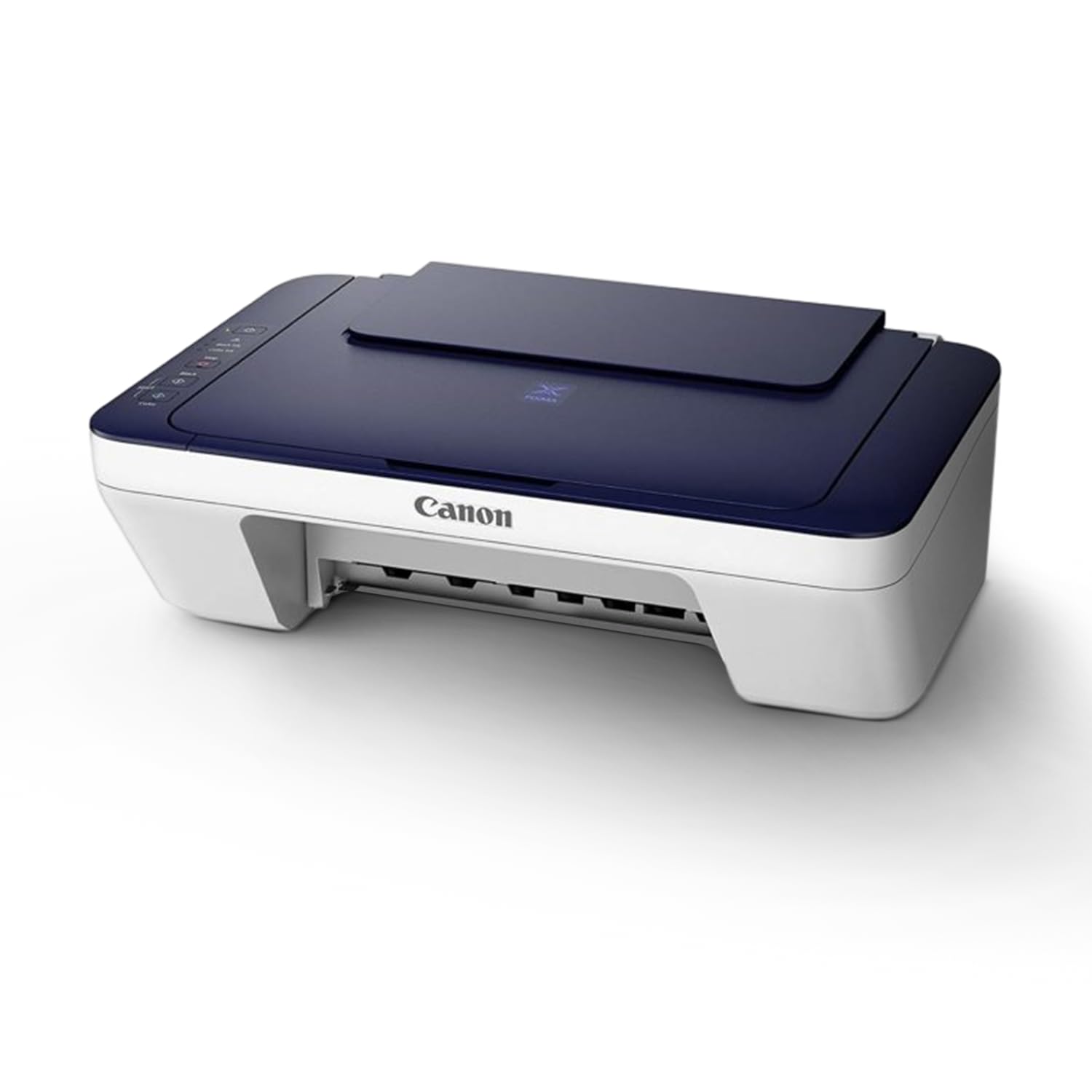
Canon PIXMA MG2577s All in One (Print, Scan, Copy) Inkjet Colour Printer for Home ₹3,399.00
%20Inkjet%20Colour%20Printer%20for%20Home)
Description
Brand: Canon
Color: Blue/White
Features:
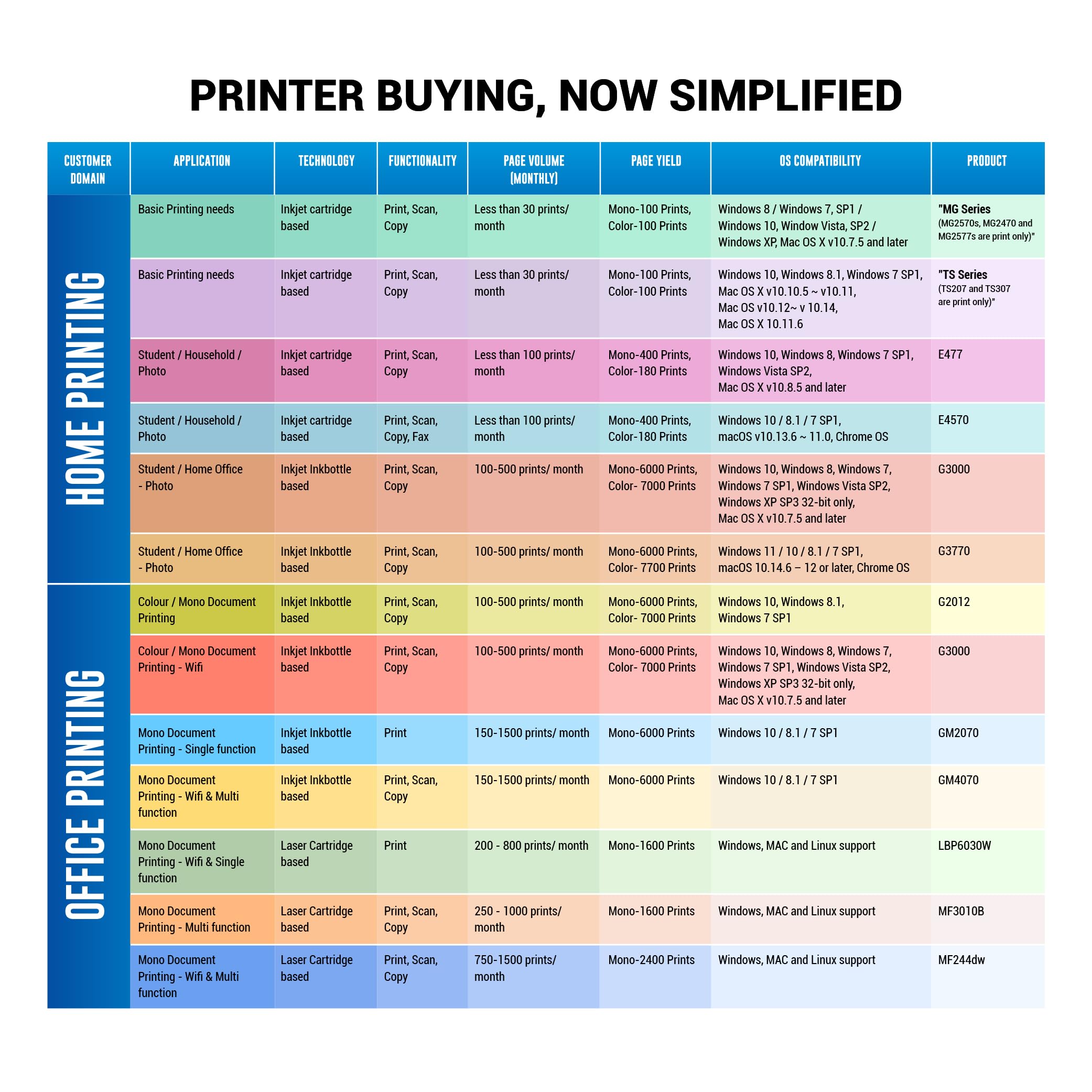
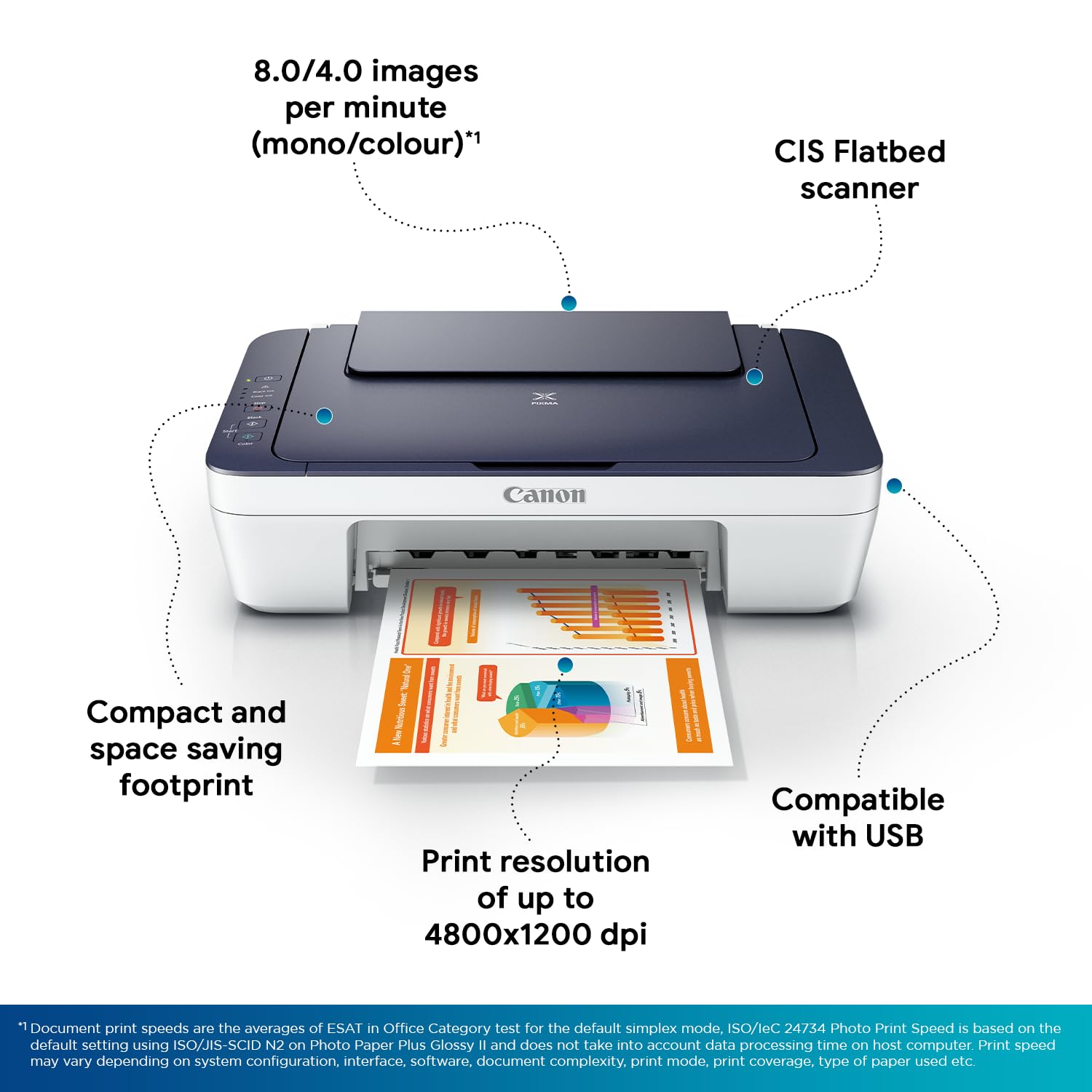
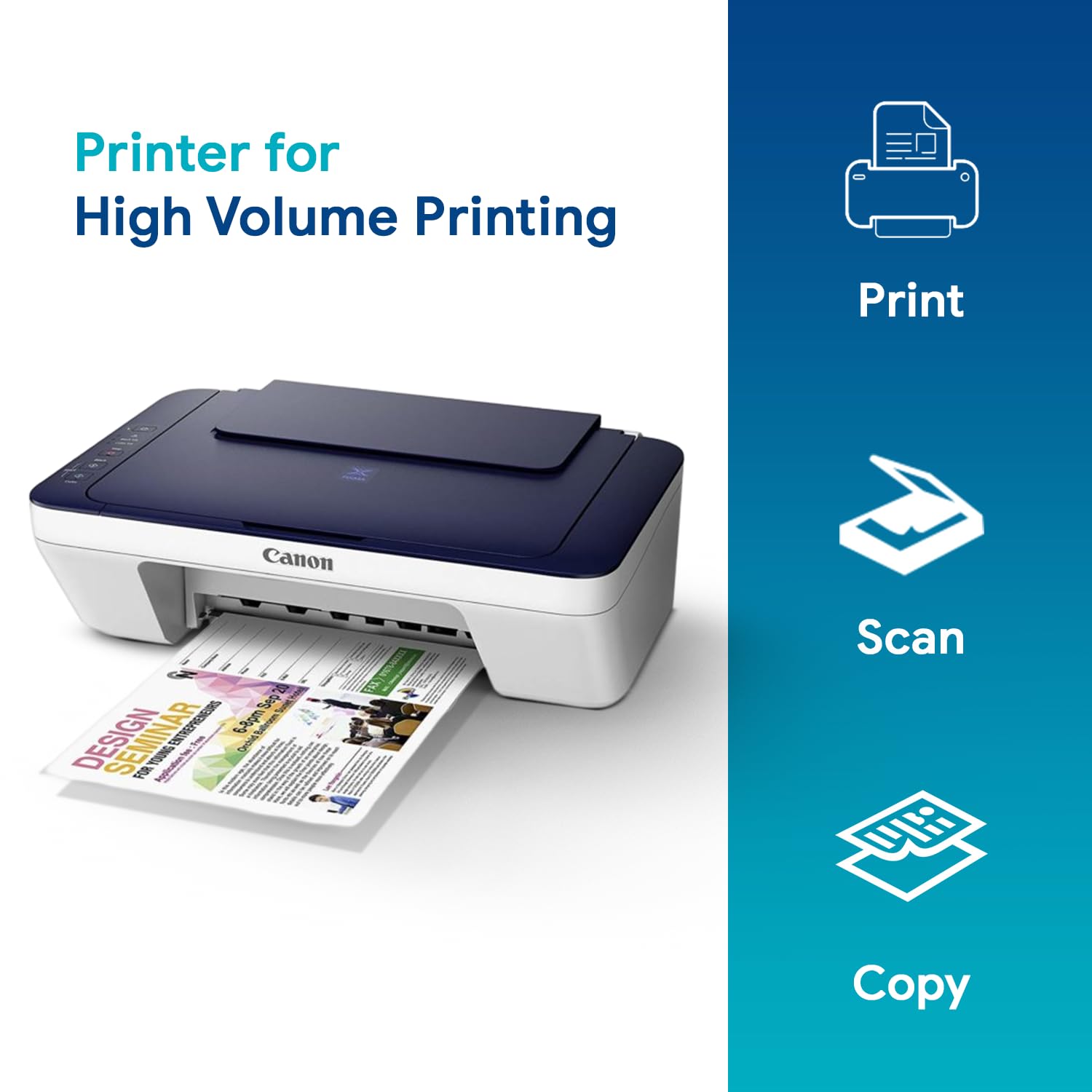
- Printer Type – Inkjet; Functionality – All-in-One (Print, Scan, Copy), Scanner type – Flatbed ; Printer Output – Colour
- Connectivity – USB ; Compatibility – Windows XP or newer and Mac OS X v10.7.5 or newer
- Pages per minute – 8 pages (Black), 4 pages (Colour) ; Cost per page – Rs 5.3 (Black & White), Rs 7.8 (Colour) – As per ISO standards
- Ideal usage – Home & Small Office, Low usage ( less than 100 pages per month)
- Page size supported – 4.0″x6.0″ till A4 / Letter / Legal ; Duplex Print – Manual ; Print resolution – 4800×600
- Compatible Ink Cartridge – PG-745 (Black), CL-746 (Colour) ; Page Yield – 180 pages ; Includes 1 Black and 1 Colour cartridge in the box
- Warranty Details: 1 year manufacturer warranty from the date of purchase
- For any product related queries, kindly contact Canon brand customer care on : [1800 180 3366 ][1800 208 3366] Timings: 8:30am-5:30pm
- Connectivity: USB
- Compatible ink: PG-745 (Black), CL-746 (Color); Page Yield: PG-745 – 180 B&W pages, CL-746 – 180 color pages
- Warranty: 1 year from the date of purchase; For installation support and product related queries, kindly contact Canon brand customer care on : [1800 180 3366 ][1800 208 3366] Timings: 8:30am-5:30pm
- Supported OS: Windows 8 / Windows 7 / Window Vista / Windows XP,Mac OS X v10.7.5 and later
- Use only original Canon ink. Using counterfeit ink will harm your printer as well as render your warranty void
- Manufacturer Detail: Canon INC 3-30-2, Shimomaruko, Ohta-ku, Tokyo-146-8501, Japan
- Packer Detail: Canon Vietnam Co., Ltd, Lot A1, Thang Long industrial park, Kim Chung commune, Dong Anh district, Ha Noi City, Vietnam
- Importer Details: Canon India Pvt Limited.214-218, 2nd floor, Narain Manzil, Barakhamba Road, Connaught Place, New Delhi-110001, India
Package Dimensions: 168x488x4500
Release Date: 01-01-2017
Details: Get Speed, Quality and Convenience
The Canon Pixma MG2577s All-in-One InkJet Printer (Blue/White) has advanced features for an efficient management of personal and professional printing work. This printer is highly affordable, making it an ideal solution for home use.
A Compact Printer for All Uses
With the Canon Pixma MG2577s, you can print all types of documents quickly and with ease. The hybrid ink system helps combine dye ink for vivid colours and black pigment for sharp text, making this a highly efficient printer. With Full-photolithography Inkjet Nozzle Engineering (FINE), this printer brings out true-to-life colours with every print. Also, you can use this device to scan documents up to 600 x 1200 dpi with vibrant 48-bit color depth.
Extremely Easy to Use
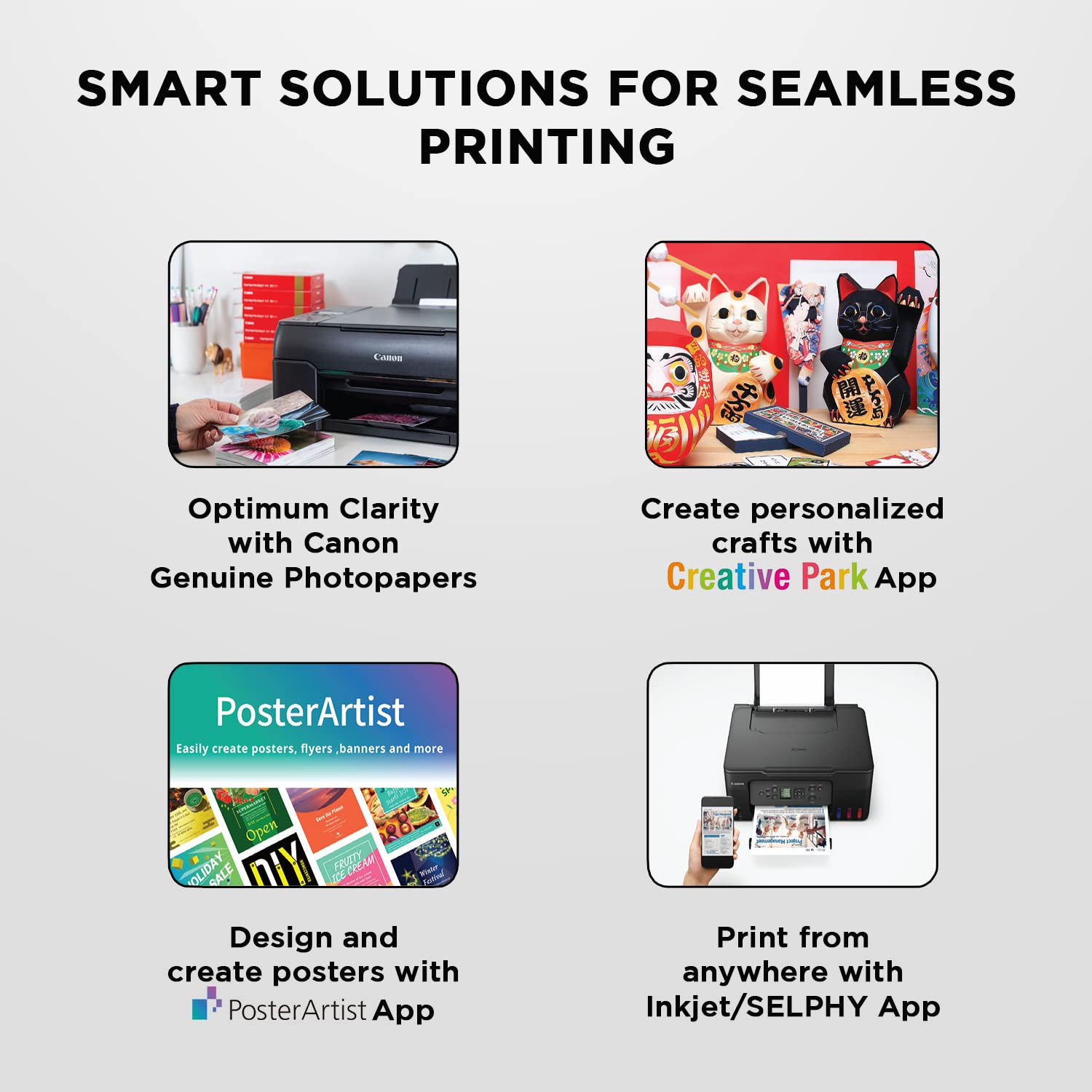
With an auto power on function, it is always ready to get you prints at the push of a buttom. Whether it is an important document or fun projects for children, you can rely on this printer to scan and print instantly. The Canon Pixma MG2577s All-in-One InkJet Printer also comes with a My Image Garden software, making printing your photos fun and easy.
For queries/assistance kindly contact the brand support no.:1800 208 3366/ 1800 180 3366.